

Best Practices
Start a design conversation
After MCP is configured and the connection is working, describe the design you want in the AI agent chat.
Example prompt:
Using Ardot, design a fitness app: a complete sign-up flow and a workout dashboard that charts daily activity.
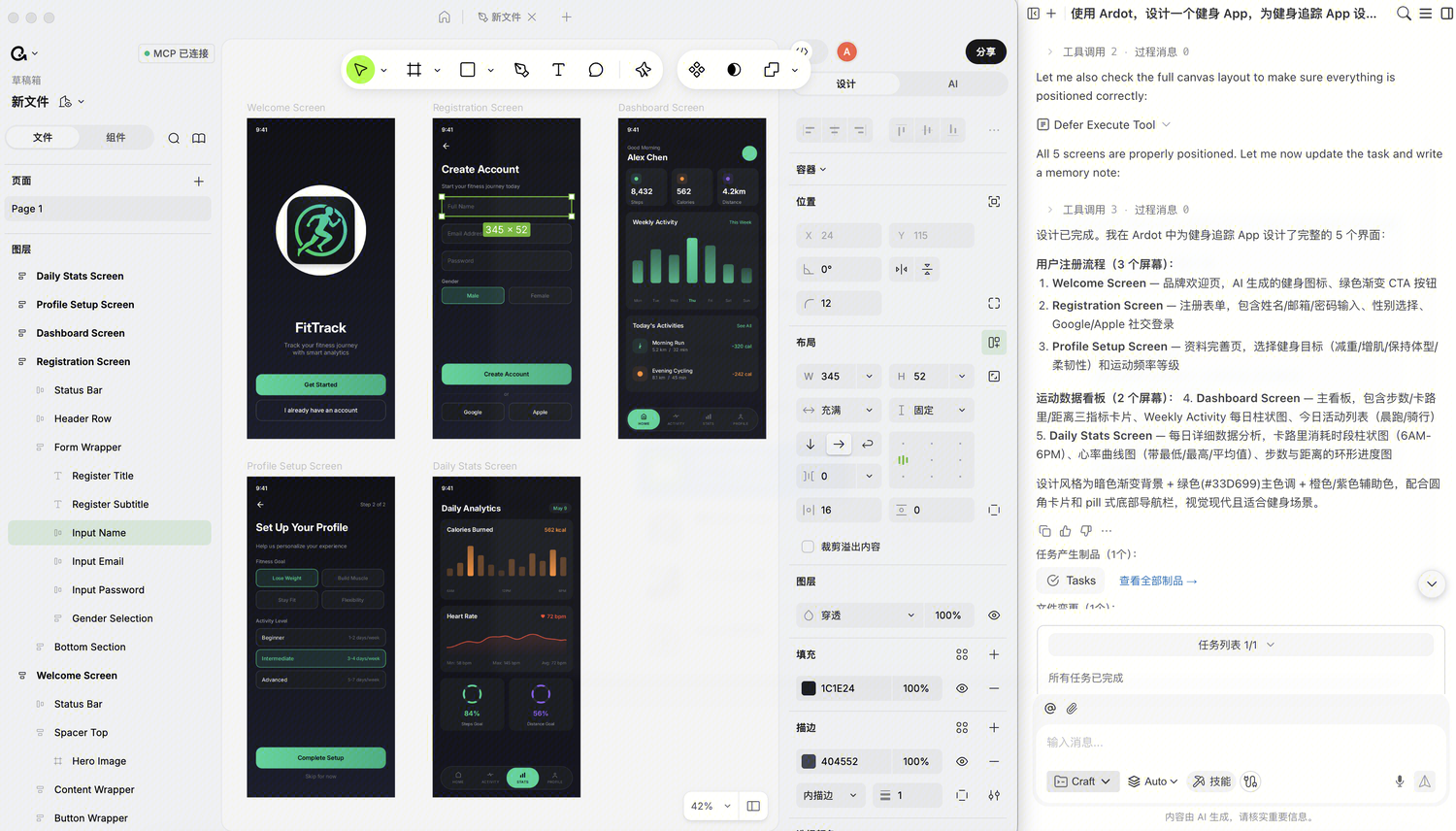
Scenarios
Design to code
User: Based on the login page in the current design file, generate React component code
AI: [calls fetch_editor_state for the current state]
    [calls capture_screenshot for a page screenshot]
    [calls batch_read for layer structure and properties]
    [calls fetch_guidelines for code-generation guidelines]
    → generates the React component code
AI-assisted design
User: Create a Dashboard page to the right of the current canvas
AI: [calls locate_available_space to find empty space]
    [calls fetch_guidelines for web-app design guidelines]
    [calls batch_edit to create the page structure and components]
    [calls capture_screenshot to check the result]
    → finishes the Dashboard page
Design system management
User: Create light and dark theme variables for this project
AI: [calls fetch_variables to inspect existing variables]
    [calls apply_variables to create tokens for color, spacing, font size, and more]
    → finishes the variable definitions
Design review
User: Check the current page for layout problems
AI: [calls capture_layout with problemsOnly=true]
    → returns every node with alignment or overflow problems