

Introduction to Tencent Design Ardot
Welcome to Ardot
Thank you for choosing Ardot — Tencent's AI-powered design agent collaboration platform.
This help documentation will guide you to get started quickly and fully understand Ardot's core capabilities and usage tips.
What is Ardot?
Ardot is the next-generation AI-driven intelligent design tool from Tencent Design. It features professional AI design agents and comprehensive design editing capabilities, covering the entire workflow from prototyping and visual design to collaboration and delivery.
Powered by end-to-end AI capabilities, Ardot enables automatic generation, intelligent layout, and direct output of high-fidelity designs and production-ready code, significantly improving collaboration efficiency for product, design, and development teams — bringing ideas from prototype to delivery with speed and precision.
Core Capabilities at a Glance
Seamless Figma Import
Import .fig files directly with full preservation of layouts, styles, and components, ensuring a smooth migration from your existing workflow at zero cost.
Text/Image to UI Design
Describe your interface requirements in natural language or upload a reference image, and Ardot generates a draft in real time — what you see is what you get, making ideas instantly visual.
Text/Image to Image
Enter a text description or upload reference images, and AI quickly generates illustrations, graphics, marketing posters and other visual assets, with support for multiple styles and secondary adjustments.
Text/Image to Batch Vector Icons in Consistent Style
Input text or example images to generate a complete set of style-consistent vector icons in one click. Supports batch export, secondary editing, and saving the style as a template for future reuse.
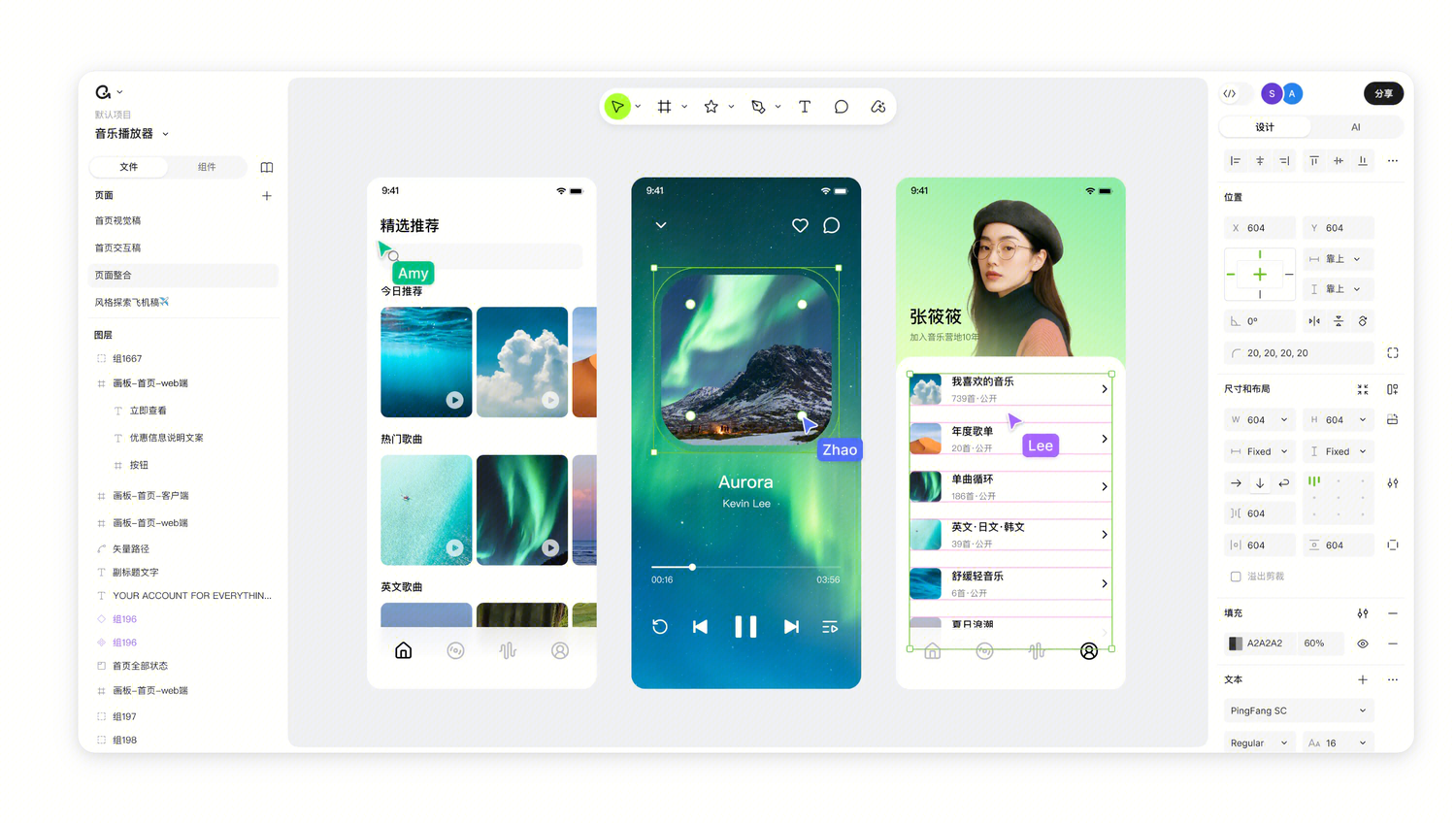
Assets & Capabilities: Build a Solid Design System
Vector Editing · Auto Layout · Component System
Powerful vector editing (such as 3D rotation, enhanced shapes) and dynamic layout system (Grid, percentage-based positioning) enable complex effects and perfect multi-platform adaptation.
Design Variable System
Establish design tokens for colors, numbers, and strings with support for automatic multi-theme switching, keeping your design system clear, consistent, and reusable.
Generate UI Designs from Business Components
AI reads your team's component library and design specifications to generate interfaces that maintain brand consistency — no "orphan components."
Collaboration & Decision-Making: Streamline Reviews
Multiplayer Collaborative Review
Support real-time multi-user comments, annotation feedback, and version comparison. Product, design, and development teams can discuss directly on design files — review feedback is clear at a glance, decision processes are fully traceable, eliminating lengthy meetings and chaotic chat records.
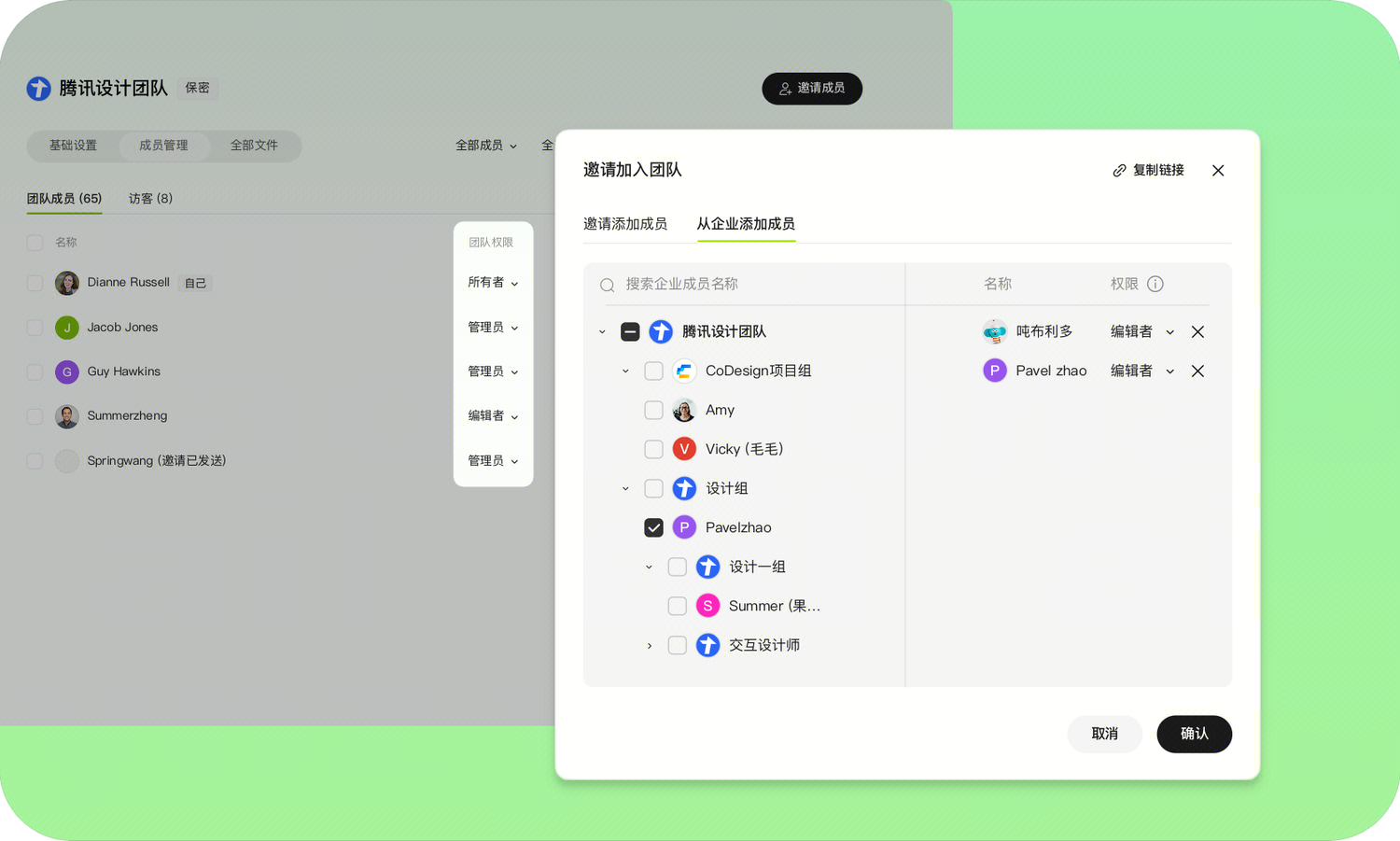
Smart Permission Center
Admins can granularly assign permissions for enhanced security of critical resources. From viewing and editing to management, each permission level is flexibly configurable.
Comprehensive Activity Tracking
Full operation logs with clear asset change records. Who made what changes and when — everything is visible at a glance for worry-free auditing.
Seamless Handoff Mechanism
Automatic permission recovery upon departure, with hassle-free data handoff. All design assets are automatically transferred, historical versions are fully preserved, ensuring uninterrupted team collaboration.
Output & Integration: Precise and Efficient Delivery
Built-in MCP Server Support
Through the Model Context Protocol, developers can programmatically read, create, and modify design files from the terminal, deeply integrating design into automated workflows.
Direct Codebuddy Code Generation
Design files are sent to Codebuddy via MCP protocol with one click, automatically generating high-fidelity frontend code (React, Vue, Mini Programs, etc.).
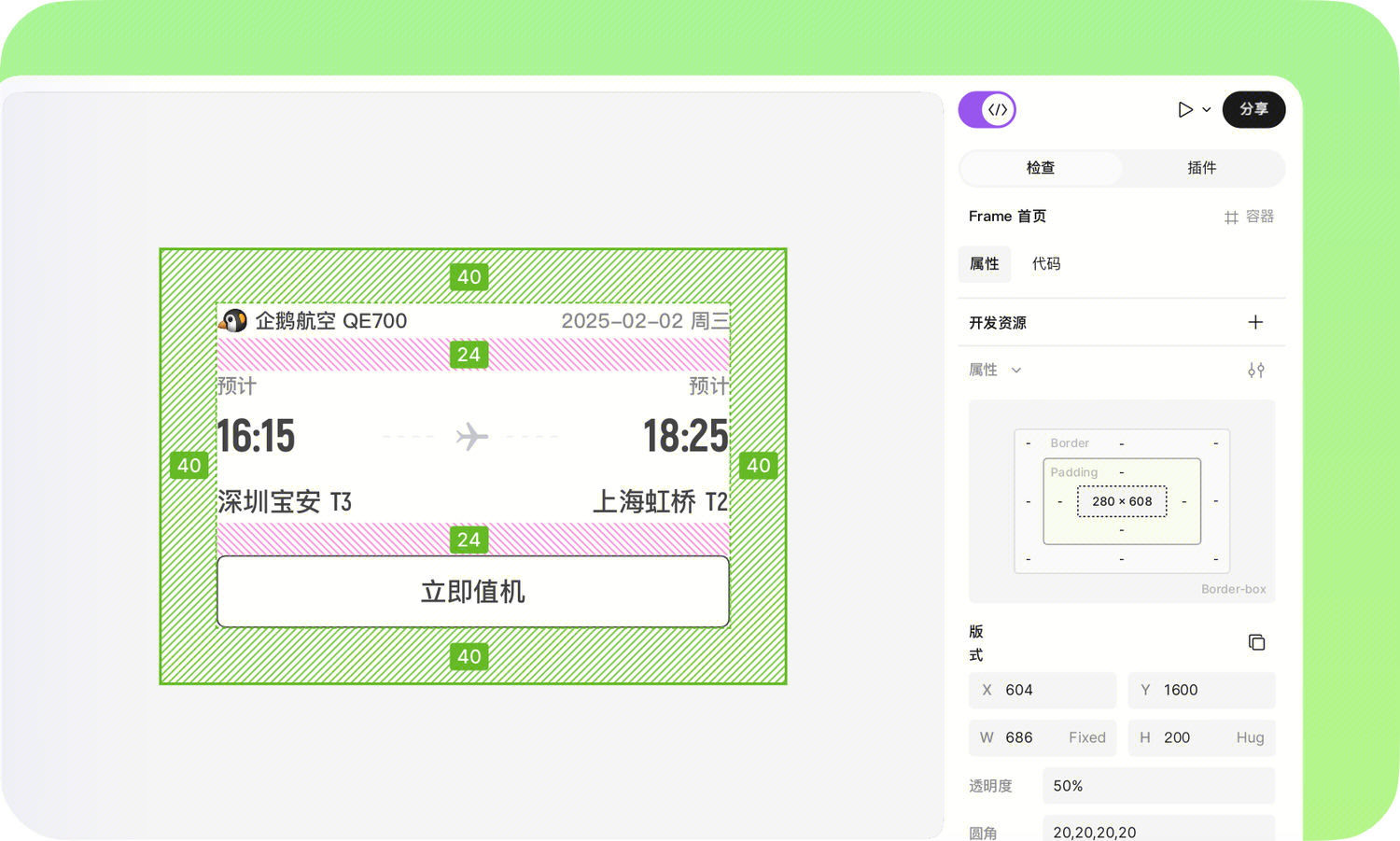
Developer Mode
Visual annotations, component variant inspection, and one-click multi-platform code copying (iOS/Android), with motion parameters exported simultaneously — achieving 99%+ development fidelity.
Target Roles
| Role | Core Value |
|---|---|
| Product Manager | AI-assisted requirement planning, rapid multi-style validation, design-to-code ensures precise delivery |
| Designer | AI-generated drafts, intelligent assistants handle repetitive work, more focus on creativity and experience |
| Developer | Design-to-code conversion, multi-platform adaptation, automate design workflows from the terminal |
| Team Collaboration | Real-time multi-user review, clear permissions, traceable actions, seamless handoff |