

Boolean Operations
Boolean operations combine multiple layers into a single object (a boolean group) that shares attributes, useful for creating icons, illustrations, and various designs. They are mainly used to:
- Merge multiple shapes into one object
- Subtract one shape from another
- Extract the overlapping area of multiple shapes
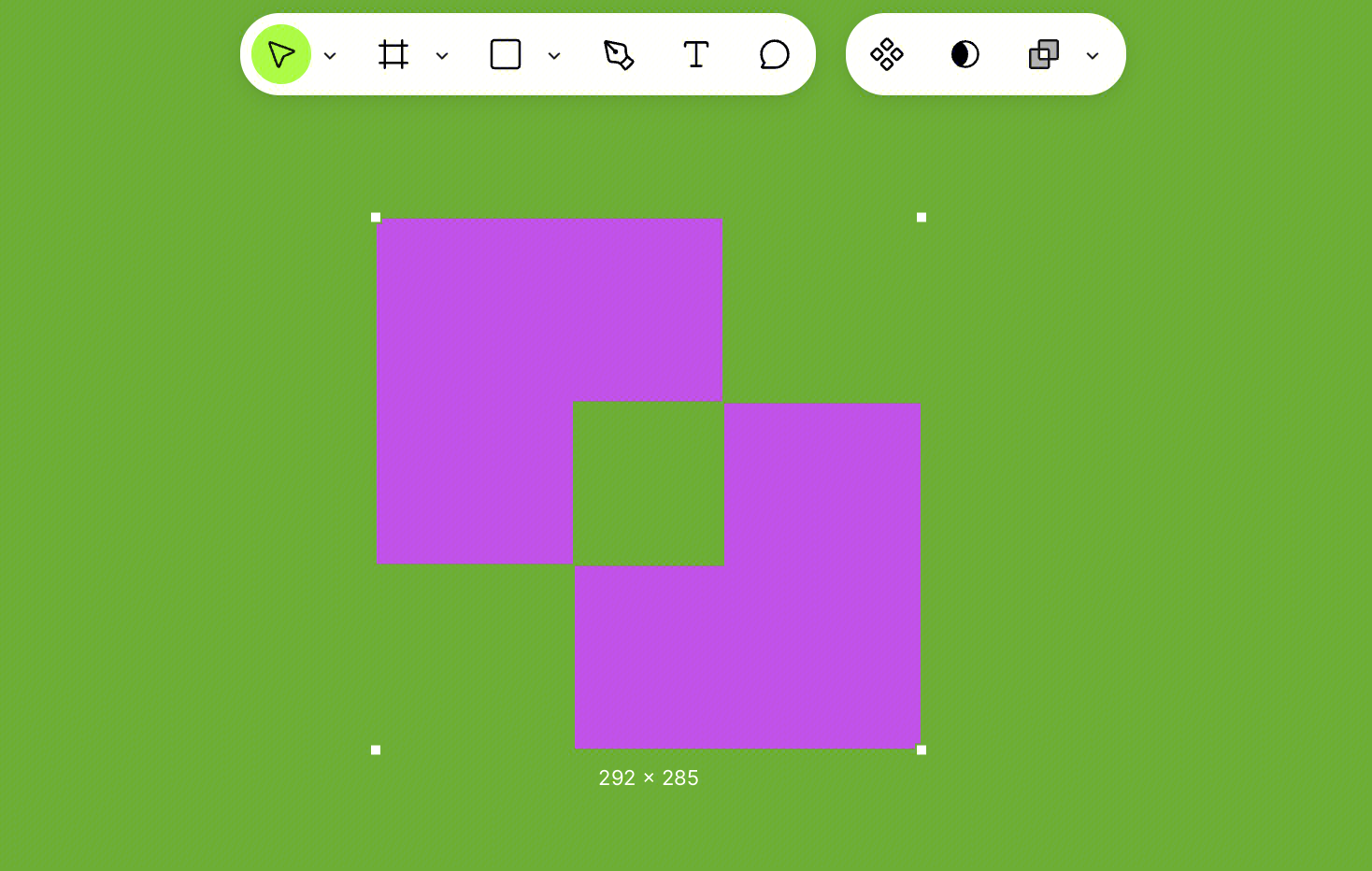
- Remove overlapping areas and keep only the non-overlapping parts
Boolean operations are non-destructive—you can still select and modify the size, position, rotation, and corner radius of each layer within the group. To ungroup a boolean group, right-click and select Ungroup.
Boolean operations can be applied to shape layers, vector paths, and text layers, but cannot be applied to frames and sections.
How to Use Boolean Operations
Apply a Boolean Operation
Select at least two supported layer types, then choose an operation from the Boolean Operations menu.
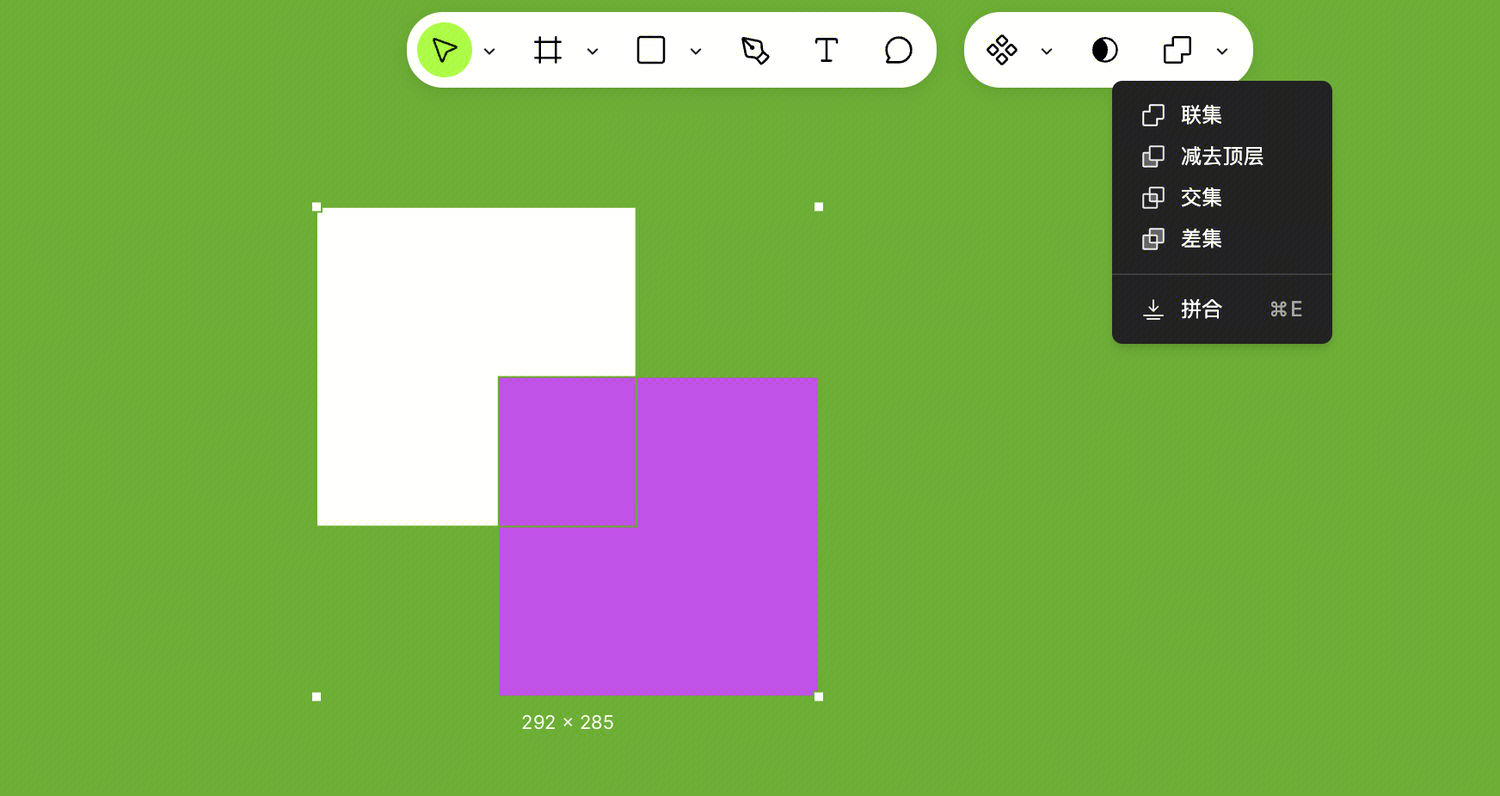
Four Operation Types
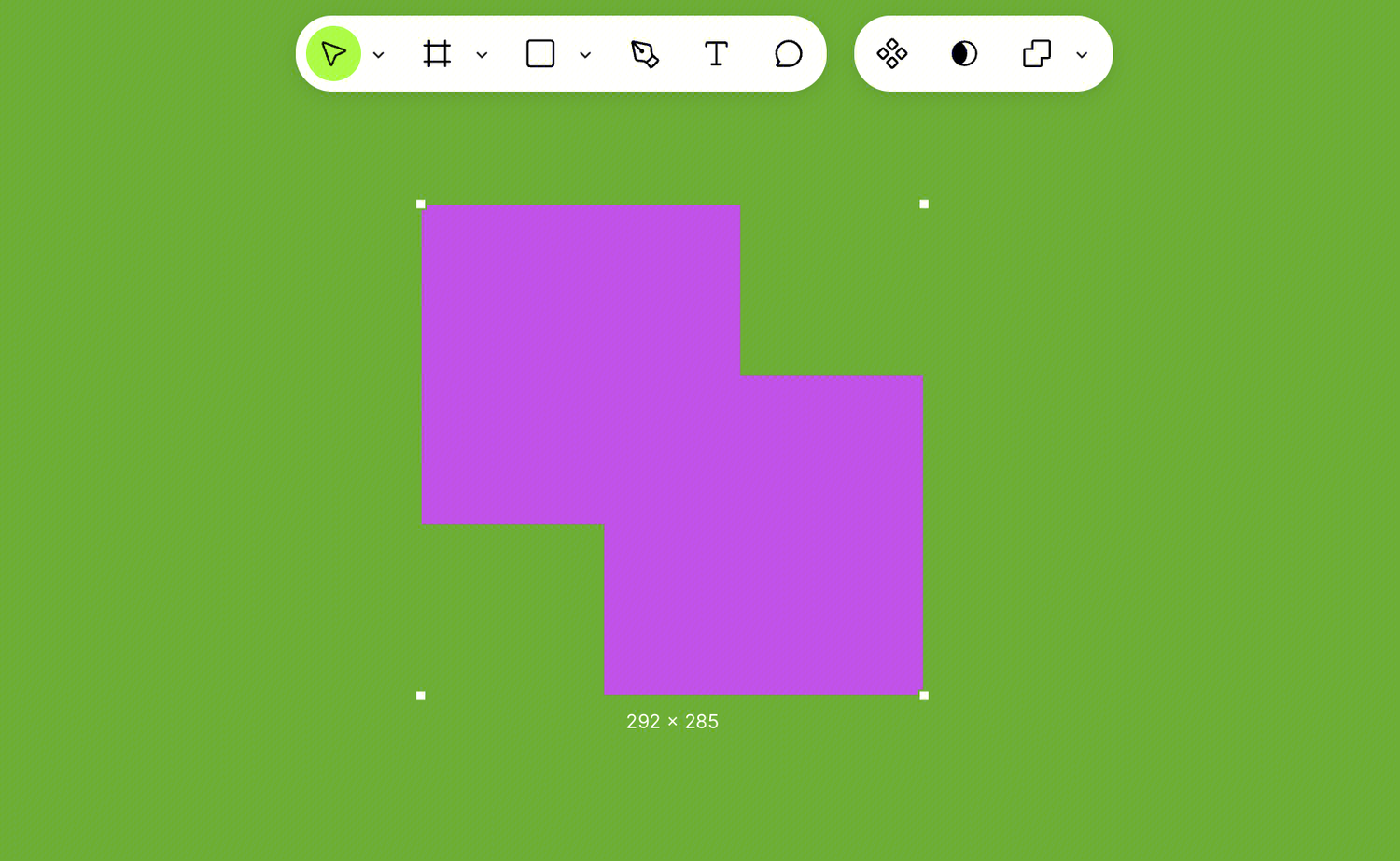
Union
Merges the selected layers together. The outer path of the new object is formed by combining the outer edges of all layers. The topmost layer determines the fill, stroke, and effect properties.
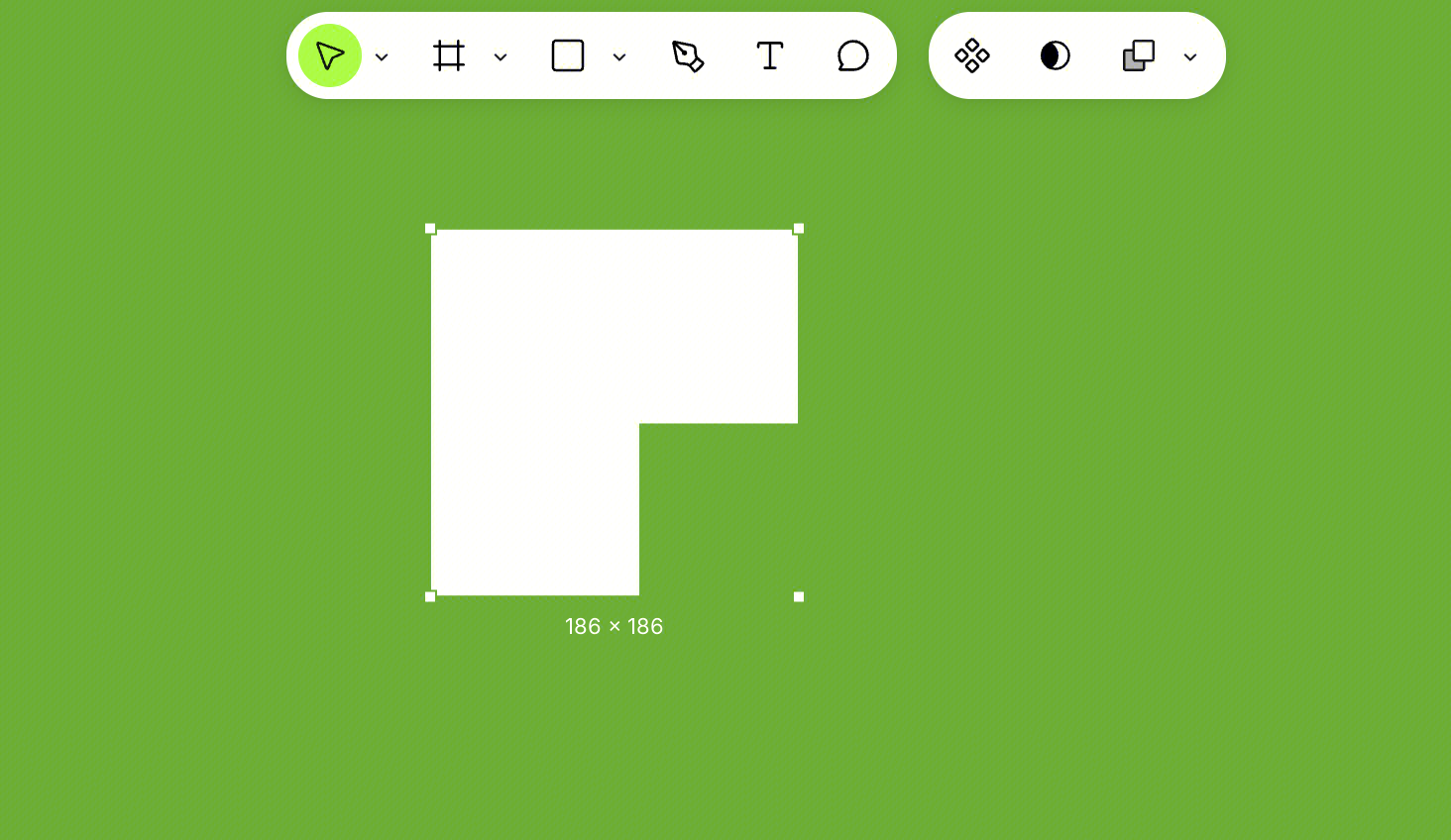
Subtract
Removes the area of the top layers that overlaps with the bottom layer. The bottommost layer determines the fill, stroke, and effect properties. If the resulting object has both inner and outer edges, strokes and effects are applied along both edges.
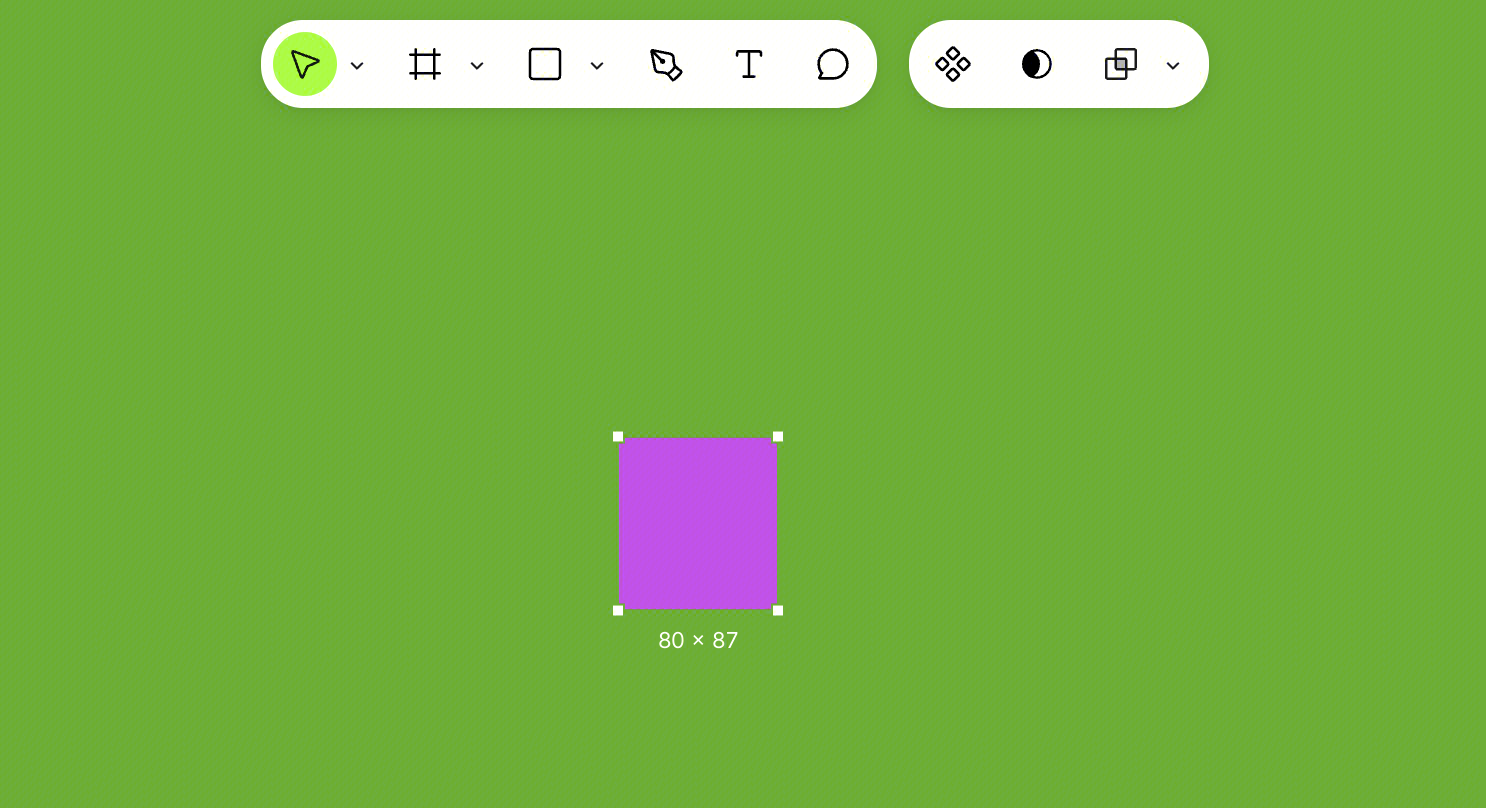
Intersect
Keeps only the area where all layers overlap; parts outside the overlapping region are removed. The topmost layer determines the fill, stroke, and effect properties.
If you apply intersect to layers that do not overlap, those layers will disappear from the canvas until they are moved to a position where they can overlap.
Exclude
Removes the overlapping area and keeps only the non-overlapping parts. The topmost layer determines the fill, stroke, and effect properties. If the resulting object has both inner and outer edges, strokes and effects are applied along both edges.
Edit a Boolean Group
The size, position, rotation, and corner radius of each layer within a boolean group can still be modified. However, you cannot change the fill, stroke, effects, or opacity of individual layers within the group.