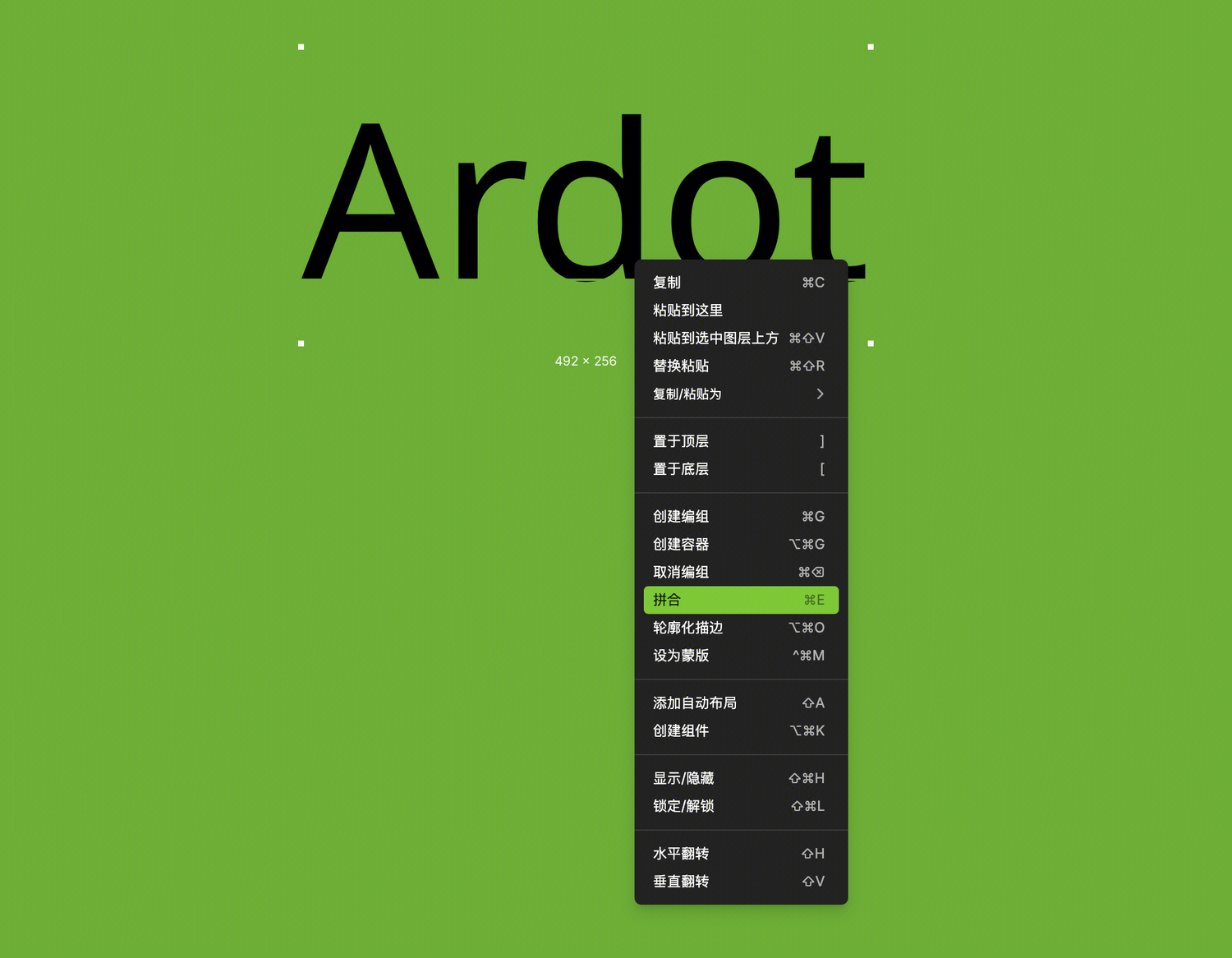

Flatten Layers
Flatten merges multiple layers into a single vector layer. It is mainly used for:
- Merging multiple vector layers into a single complex vector path
- Flattening text layers to customize font details (such as logos or wordmarks)
- Simplifying designs, reducing file size, and improving asset compatibility
- Flattening container layers (such as frames or sections) by merging child layers and removing the container
Unlike boolean operations, flattening is a destructive operation—once objects are flattened, their individual layers cannot be separated again. If you make a mistake, you can restore through version history or use undo.
How to Use
Flatten Objects
Right-click the selected object and choose Flatten, or use the keyboard shortcut:
- Mac:
⌘ E - Windows:
Ctrl E